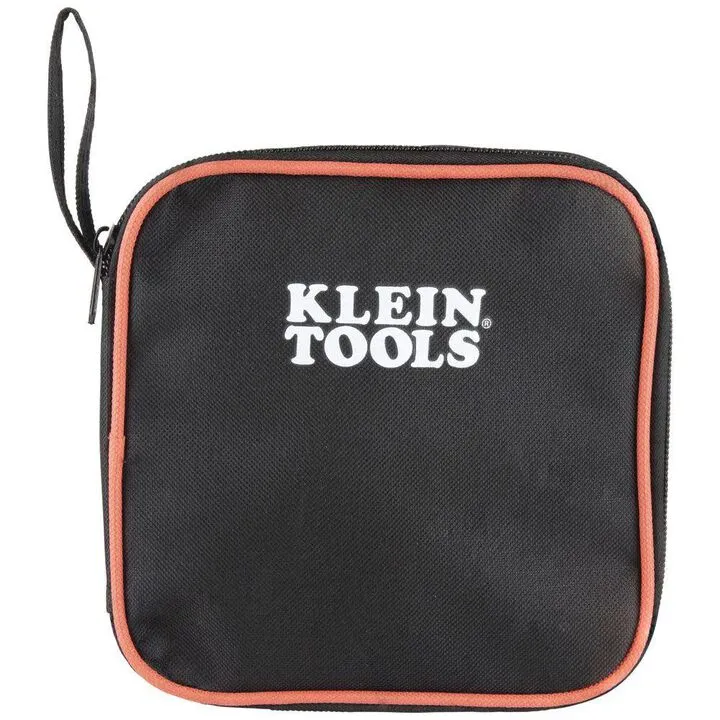
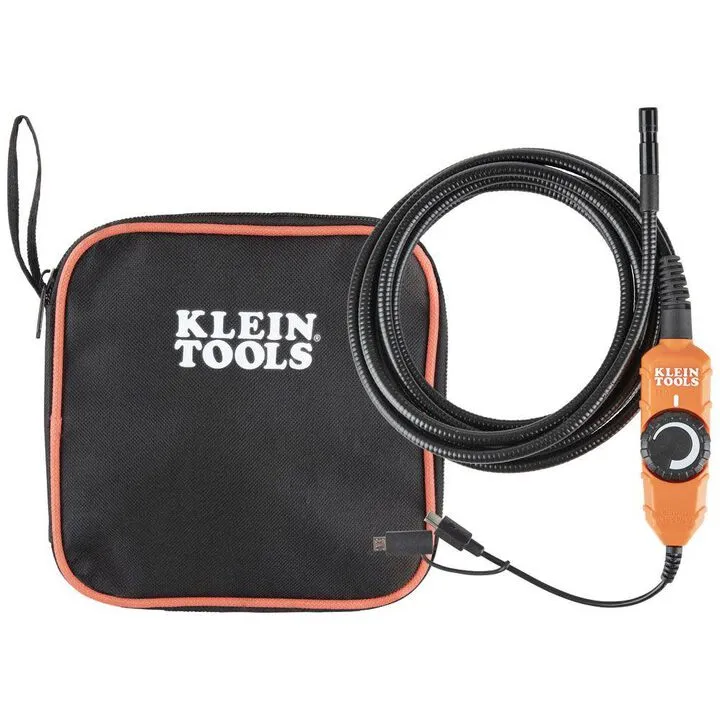
Klein Tools Borescope for Android Devices: Professional Inspection Guide & Optimization
$23.00
Professional Inspection Performance
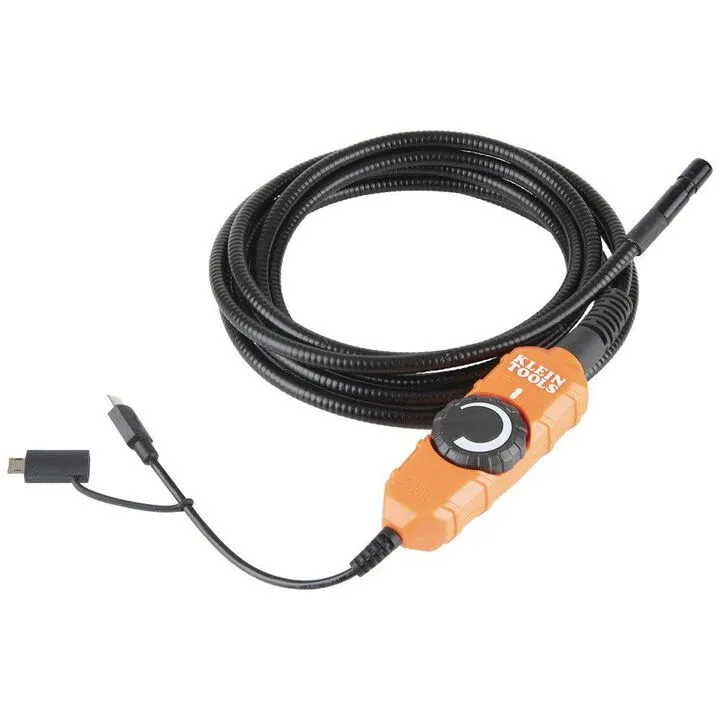
The Klein Tools Borescope is designed to assist professionals in identifying obstructions and structural issues in confined spaces. To achieve the best results, we recommend the following expert practices:
Connectivity and Software Optimization
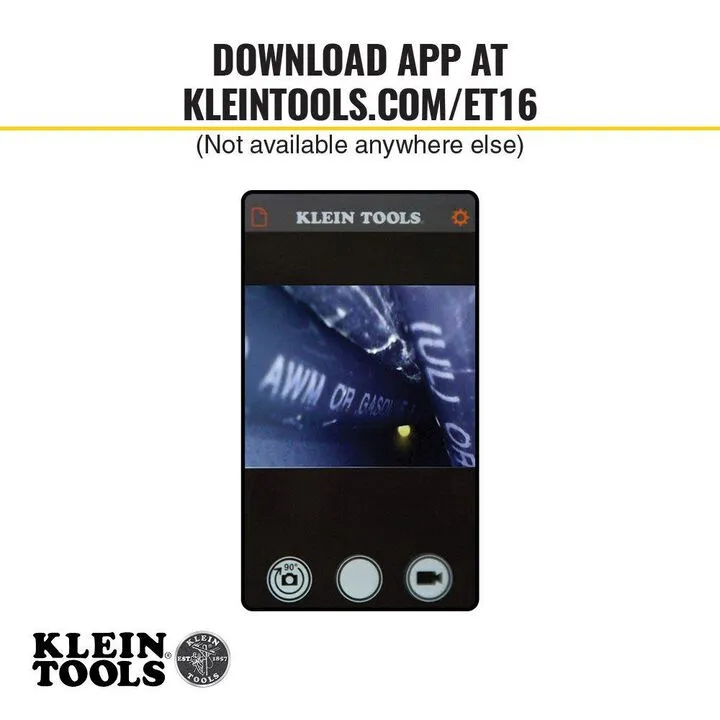
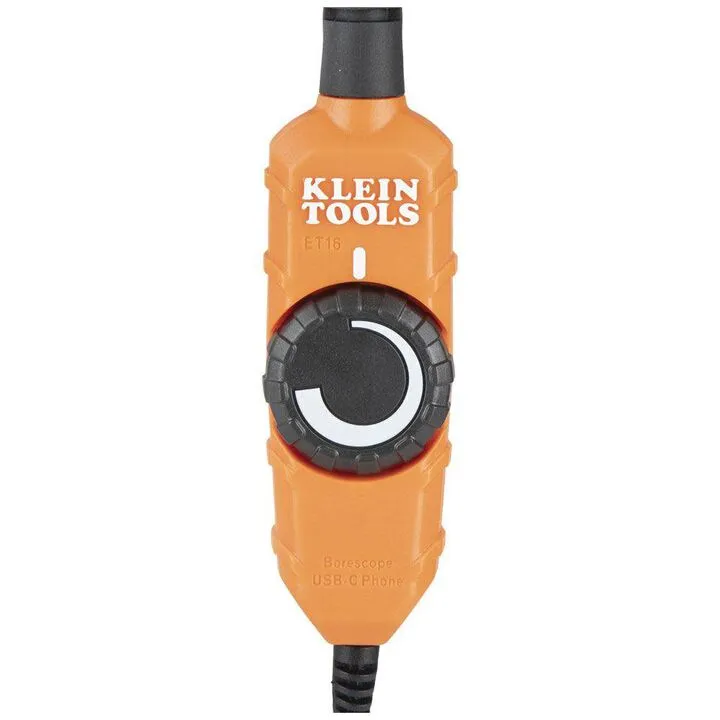
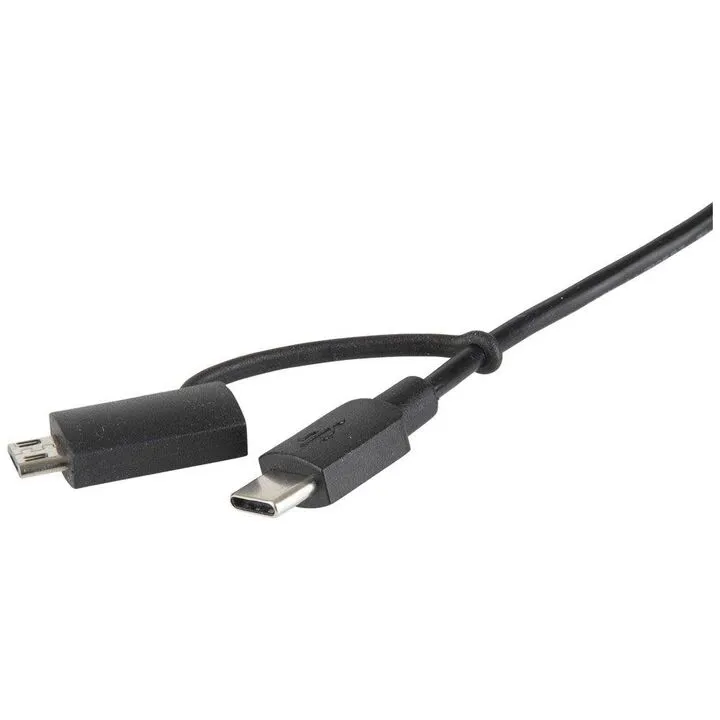
To ensure a stable connection, verify that your Android device supports OTG (On-The-Go) functionality. We recommend closing background applications before launching the companion app to prevent data transmission interruptions. If you encounter connection errors, ensure the USB-C or Micro-USB connection is fully seated and free of debris.
Mastering Lighting and Image Clarity
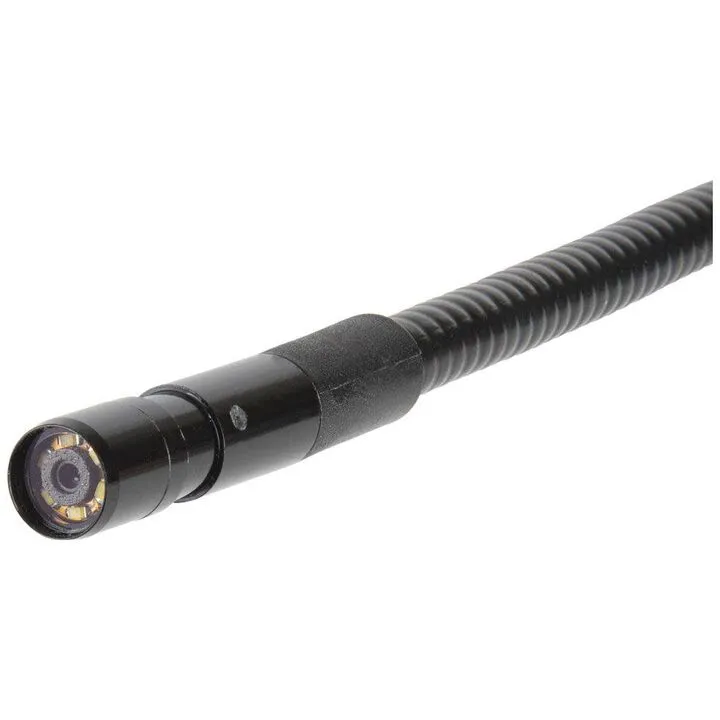
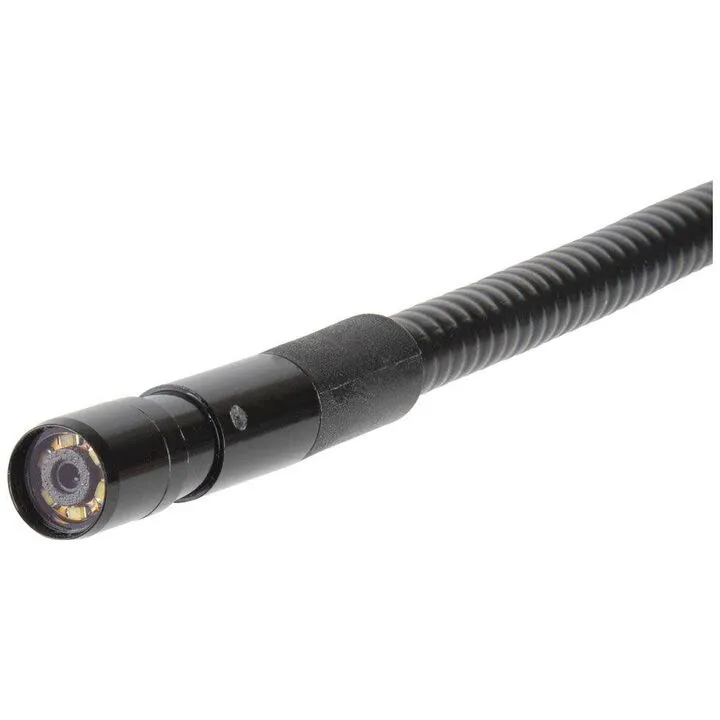
For deep pipe inspections, avoid direct head-on lighting to minimize back-flash glare on reflective surfaces. If the image appears blurry, maintain a focal distance of 2-5 inches from the target area to compensate for the fixed-focus lens design. Utilizing the provided attachments can help maintain this distance and prevent lens obstruction in dirty environments.
Cable Handling and Durability
To maximize the lifespan of your cable, avoid sharp 90-degree bends under tension. When navigating through pipes, use a steady, controlled motion. To prevent premature wear at the connection point, ensure the cable is not under mechanical strain while the device is in use. Store the unit in a cool, dry place, ensuring the probe is cleaned of corrosive debris after every inspection.
You May Also Like
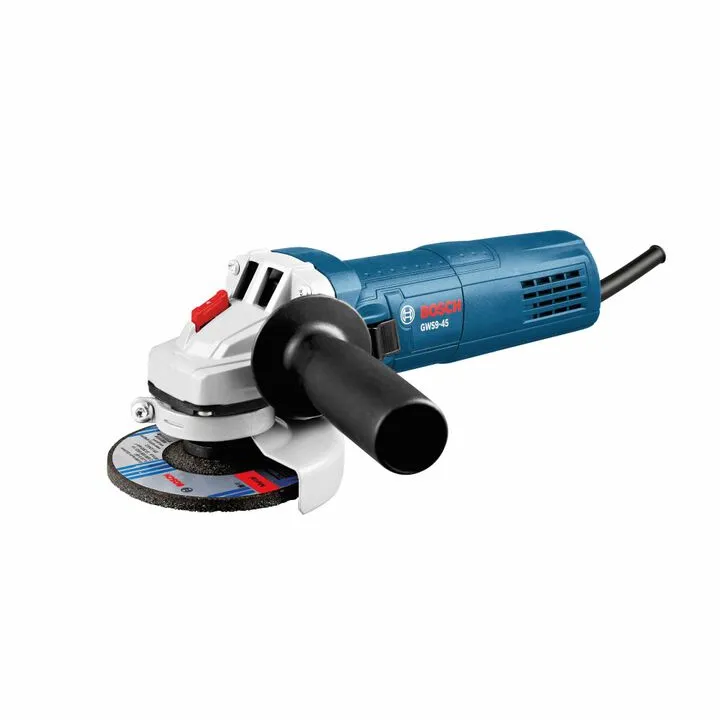
Bosch 4-1/2 Inch Angle Grinder (Reconditioned) - Professional Performance